Perfect Photos Without Unwanted Distractions
Remove photobombers, objects, and blemishes from your pictures in seconds. Our AI-powered tool makes photo cleanup simple – just touch, erase, and save your perfect shot.
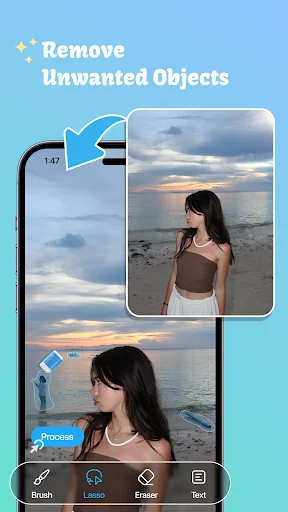
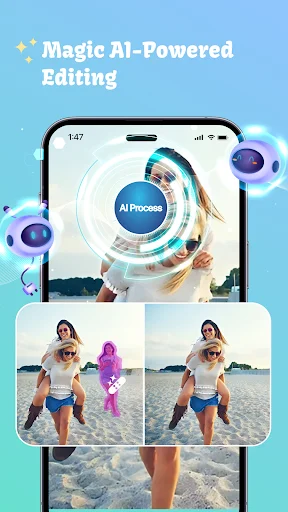
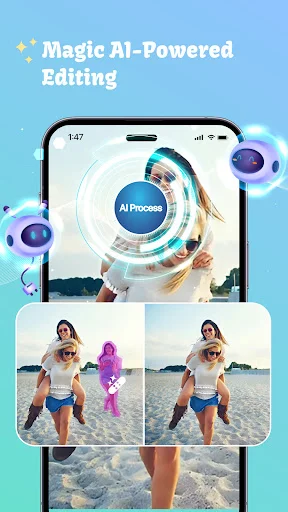
Clear unwanted photobombers and background crowds from your photos. Select the person you want to remove, and let our smart tool rebuild the background naturally – perfect for travel photos and special moments.
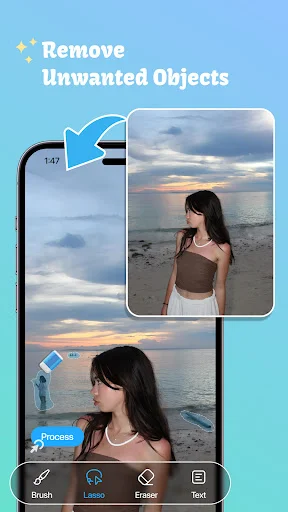
Clean up telephone wires, street signs, trash cans, poles, and scratches that distract from your main subject. Get rid of small annoyances that turn good photos into great ones.
Our smart technology analyzes nearby pixels to fill edited areas seamlessly. Get professional-looking results without needing expensive software or editing skills – the AI does the hard work for you.
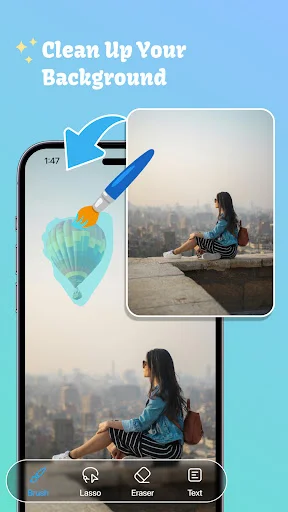
No complicated controls or confusing menus. Just brush over what you want gone, tap to process, and review your cleaned photo. Zoom in for precision work on smaller details.
Remove Unwanted Objects helps you clean distracting elements from pictures with an easy touch-based editor. Select an area you want to erase, process the image, and let the surrounding background blend into the edited space.
Unwanted Object Remover is useful for clearing people in the background, wires, signs, bins, small distractions, scratches, or other elements that take attention away from your main subject. AI Remove Objects: Photo Eraser keeps the workflow simple so you can retouch pictures without complicated editing controls.
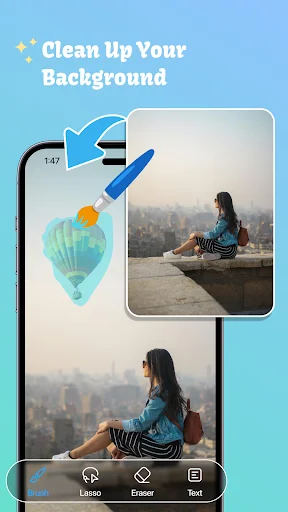
Photo Retouch Object Removal can help simplify busy backgrounds or improve pictures where an unwanted element appears behind the main subject.
Erase Objects & People Remover is especially useful when a passerby or small background detail changes the look of an otherwise good picture. Results can vary depending on the size, position, and complexity of the selected area.
Remove People From Photos: Object Eraser lets you select a person who appears in an unwanted part of the frame. The editor attempts to rebuild the selected space using nearby visual information for a cleaner-looking result.
Remove Objects From Photos can help with telephone wires, poles, street signs, trash cans, surface marks, and similar elements. Photo Remove Object Tool gives you control over exactly which area is selected before processing begins.
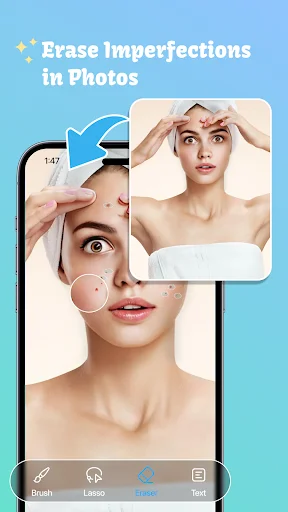
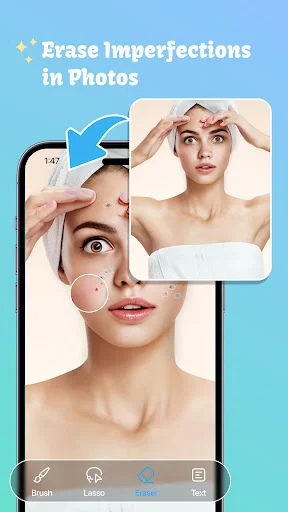
Blemish Remover: Eraser Tool For Photos is useful for minor spots, pimples, scratches, or other small imperfections. Keep selections focused so the surrounding texture has a better chance of blending naturally.
AI Remove Objects: Photo Eraser analyzes nearby pixels when rebuilding an edited area. Simple backgrounds may produce cleaner results, while detailed patterns, faces, shadows, or large selections may require additional touch-ups.
Photo Retouch Object Removal keeps the process focused on selecting, processing, reviewing, and saving. You can repeat an edit when the first result needs refinement rather than starting the entire picture again.
Remove Unwanted Objects combines selection tools, smart filling, people cleanup, blemish retouching, and simple saving in one convenient photo editor. AI Object Remover: Magic Eraser gives you a practical way to improve everyday pictures with only a few steps.
Woooooowwwww, this app is amazing. I have a picture that I wanted to remove myself out of but wanted to keep how my dog was sitting on my lap. I used this tool and it did indeed remove me. But what was amazing about it, was the way it filled in the space I was in. You'd never know I was even there to begin with. I mean there were multiple colors and shapes, but it blended it so perfectly. Far better than I was hoping for. I've got a new best friend in my photo editing process. Thank you so much
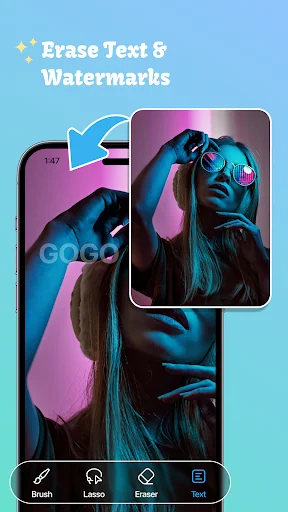
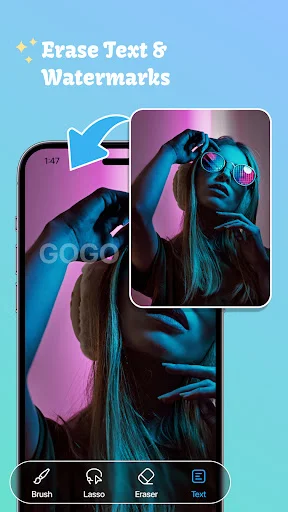
After searching so a long time and downloading multiple programs to my PC that took ways too long and were rather complicated ... I found this app... I does what I needed with easy.... I took 100s of photos with the date and time stamp on and didn't realize it was a permanent part of the jpeg... it was my first camera and I though I would like to remember when I took the photos...little did I know that info is on every photo in the properties.... so thank goodness for this app 🙌 👏 😭 🙏 😩
To be very honest, when i first came across this app on play store i thought this might be like those scam apps which does nothing but only shows ads and boy, i was so wrong. This app genuinely works like a charm so much so that u wont even remember that the thing u removed from the photo ever existed. Sometimes it does leave a blurred spot but that's almost unnoticeable. I don't generally give such long reviews on apps but this one got my attention. Kudos to the developers.
Absolutely incredible! For it being a free app, the quality service it provides is phenomenal. It's easy to use, very simple, but highly effective. Rarely will it blur your image (which is due to the type of photo you've chosen to edit), but it most certainly does the job right and is exactly what it says it is. Props to BG.Studio for creating such a wonderful tool, I'm forever grateful.
This is honestly the best Object Remover app in play store. The final results are clean. A professional look that is user friendly. And free. This app deserves 10 stars. Developers outdid themselves here. This is definitely a keeper. I recommend 100%. Download this app you will not be disappointed. I love this app so much so freaking glad i found it.
I've tried many other apps before for removing unwanted objects but this is the best one so far. It does the job really well and most importantly it's free unlike other apps. If you're looking for an app for removing unwanted objects, this app is the best. Trust me I've tried many other apps before. I highly recommend this app.